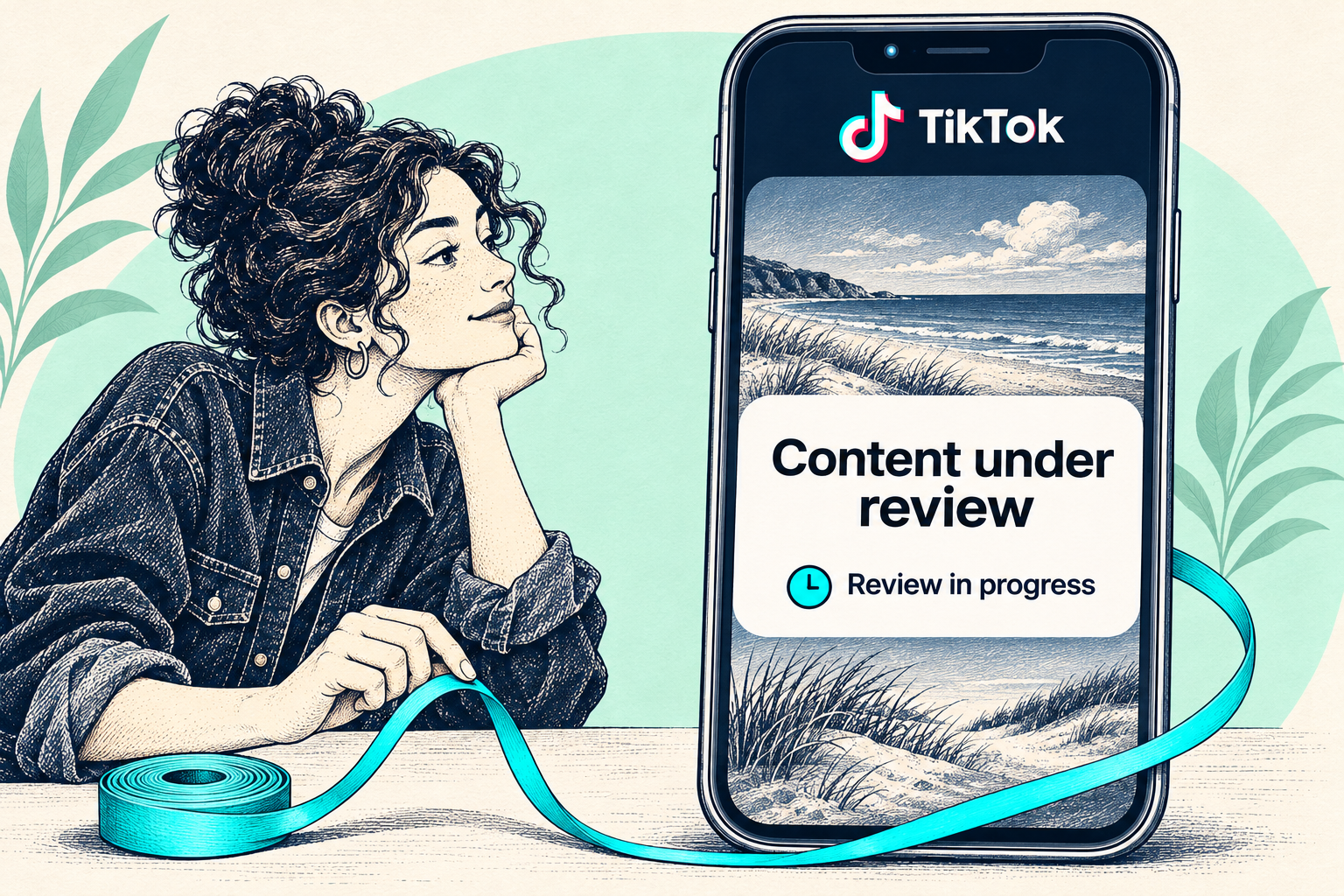
You posted a video, then a review notice appeared. Should you wait or upload it again? TikTok may check a post when it goes up, when it gains attention or after someone reports it. The notice tells you a check is underway. TikTok will tell you separately what it decided.
The short answer
Keep the original post, take a screenshot of the notice and look for an estimated review time. When the review finishes, open the result. If TikTok removes your post or makes it ineligible for the For You feed, read the reason and use the appeal option for that decision.
Which status is on your screen?
Open the video from your profile and tap the review notice if it opens. Some versions of the app show three stages.
- In queue for review — your video is waiting. Note the time you first saw the notice.
- Review in progress — the check is underway. Return to this notice for an update.
- Review completed — open the result to see whether TikTok cleared the video, removed it or limited its eligibility for recommendations.
TikTok Help Center · Content violations and bans ↗ · Followchain · Example of the review notice, March 17, 2025 ↗
Still under review after 12 hours?
If your notice says TikTok aims to update you within 12 hours, treat that as an estimate for this review. The status can still be pending after that time.
Check system notifications in your inbox, including Account updates. If the status is still the same, keep the post and your original screenshot so support can identify the exact video.
TikTok Help Center · Content violations and bans ↗ · Followchain · Example of the review notice, March 17, 2025 ↗
What does the decision mean?
Read the reason shown with the decision. The next step depends on the outcome for this post.
- Video cleared. Open it from your profile and check that its audience setting matches who you wanted to share it with.
- Post removed. Open the removal notice and read the rule TikTok cites. If you believe there was a mistake, use the appeal option and explain what the video shows and which context matters. Keep the post while appealing so TikTok can restore it if it accepts your appeal.
- Ineligible for the For You feed. Open the post and tap More insights, or use the three-dot menu to open Analytics. Select the eligibility notice, read the reason and choose Appeal if you disagree. You may need to enable analytics in TikTok Studio first.
TikTok Help Center · Content violations and bans ↗ · TikTok Help Center · How TikTok recommends content ↗
How to ask TikTok about a delayed review
From your profile menu, open Settings and privacy, then Report a problem. Choose the topic that fits your posting issue and follow the help options shown. You can send this note with your screenshot.
Message to supportMy video [link or short description] has been under review since [date, time and time zone]. The status currently reads [exact wording]. I checked Account updates and haven’t received a decision. Could you check the status of this post?
Common questions
Should I make the post private, then public again?
The audience setting controls who can view the post. TikTok does not list changing privacy as a way to speed up moderation. Keep the audience you intended and follow the review notice.
Do low views mean my video was restricted?
A view count alone cannot tell you what TikTok decided. Check the post’s analytics for an explicit notice about For You eligibility.
Also lost access to your account?
If you’re having trouble signing in as well, explore Medalock’s account-recovery support. TikTok makes the decisions about video publication and recommendations.