Encrypted storage
Authentication secrets are stored encrypted inside the vault.
 Medalock
THE SECURE 2FA VAULT
Bring your two-factor authentication accounts together in Medalock’s encrypted vault.
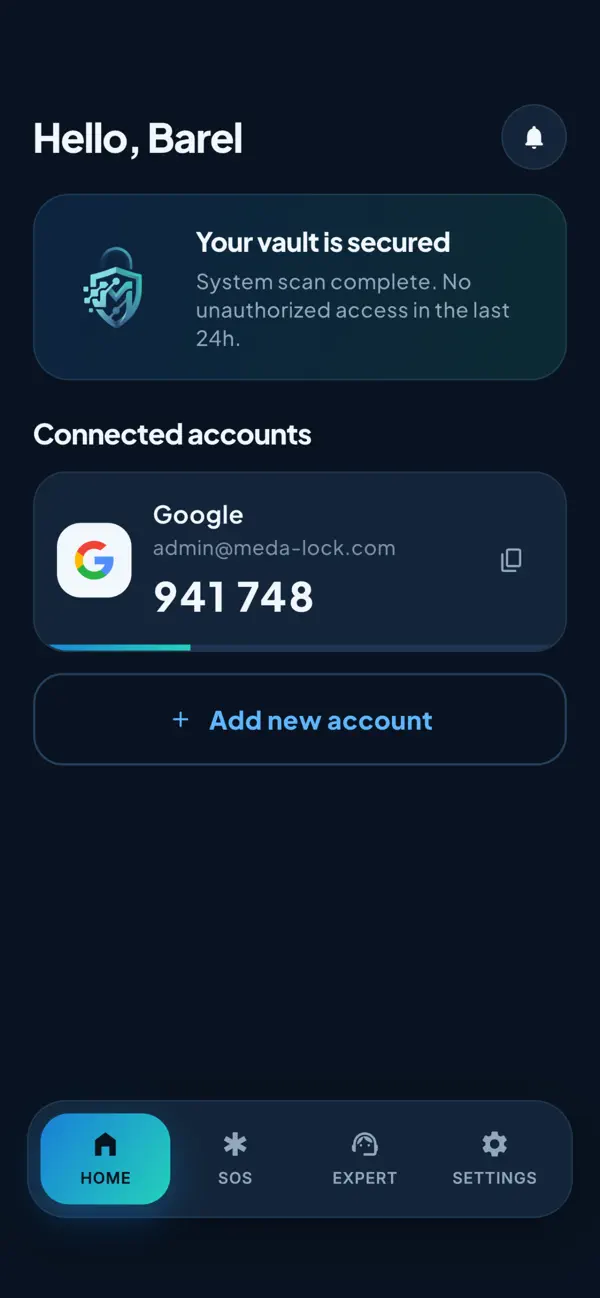
Two-factor authentication adds another step to signing in. When a service supports authenticator codes, Medalock gives those codes a place in your everyday routine.
Add the account using its QR code or setup key, then return to the vault when that service asks for a code. Your authentication secrets are stored encrypted.
Authentication secrets are stored encrypted inside the vault.
Use the QR code or manual setup key supplied by the account’s service.
Keep supported authenticator accounts organized without switching between separate tools.
A CLEAR WAY FORWARD
Find the authenticator option in the service you want to protect.
Scan its QR code or enter its setup key in Medalock.
Follow that service’s instructions to finish enabling two-factor authentication.
THE DETAILS MATTER
No. Authenticator setup uses the service’s QR code or setup key, not its password.
The vault supports sign-in security. Account recovery is a separate process, and the platform controls access.
Yes. Follow the platform’s guidance for storing its backup codes securely.
YOUR DIGITAL WORLD. YOUR NEXT STEP.
Choose the protection and human backup that fit your digital life.