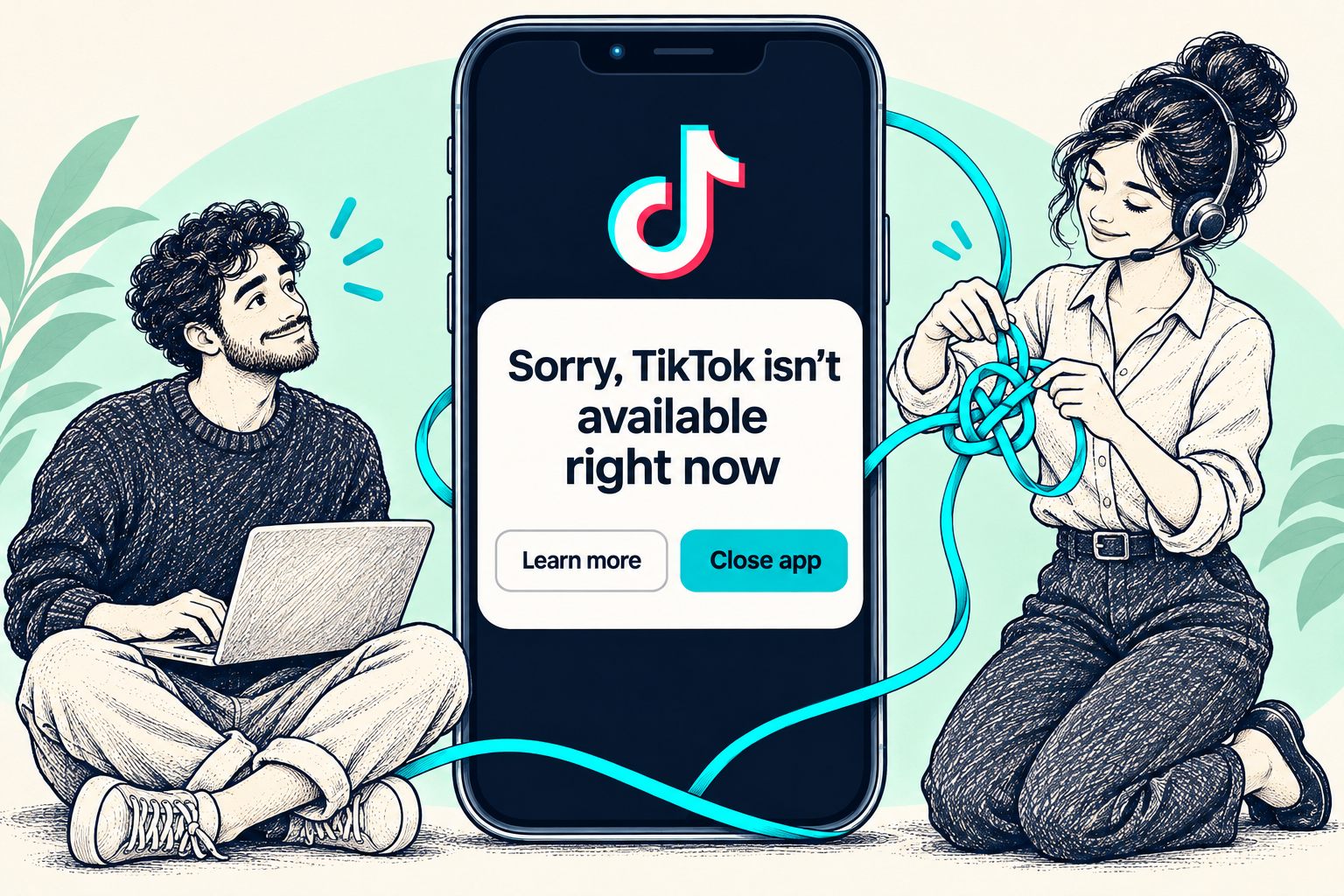
You open TikTok and reach an availability message instead of your feed. Start with the complete notice on the screen. Its wording will help you decide whether to check the app, follow a service update or review an account restriction.
START HERE
The short answer
Save a screenshot and read the full notice. For a service or country notice, follow TikTok’s current guidance. For an ordinary loading problem, work through the app checks below. For an explicit account-ban notice, open its appeal option.
1. Read the whole message
The exact phrase became widely associated with the US service disruption in January 2025. The linked Followchain article was published on January 20, 2025 and describes that event. Use the notice you see today to choose what to do next.
- A notice about service availability or your country → read its official update and the region section below.
- An app that stalls or fails to load → try the app checks below.
- A notice that explicitly names an account ban → use the account review or appeal route.
2. Check the app and connection
For a loading problem, try this short sequence. After each step, reopen TikTok and note whether the same message returns.
- Install available TikTok and phone-software updates through official settings and app stores.
- Close TikTok completely, reopen it, then restart your phone if necessary.
- Try Wi-Fi and mobile data separately. Record whether the problem follows one connection or appears on both.
- If you can access TikTok’s settings, look for the storage or Free up space section and its Cache option. Clear only the cache. Labels and available options can vary.
3. Protect your drafts before reinstalling
TikTok says drafts may be removed after uninstalling and reinstalling the app, or when moving the account to another device. If you can access a draft, save a copy you can open outside TikTok before considering a reinstall.
Check that you can access your login method and recovery email or phone. Keep draft deletion and the phone’s app-data deletion separate from a cache cleanup. If valuable drafts are inaccessible, start with a support report.
4. Follow the route that matches the notice
If the notice names a country or service restriction, check the current information linked from TikTok. Its US privacy policy describes location signals including SIM region, IP address and device settings. Changing your connection therefore does not guarantee restored access.
For an explicit account ban, TikTok provides a notification at login and an appeal route. Open that notice, explain why you believe the decision is mistaken and keep the submission details. Follow that process for the affected account.
5. Send TikTok a useful problem report
When the app is accessible, open Profile, the menu, Settings and privacy, then Report a problem. Choose the closest topic and follow the support options offered. When the app cannot open, start from TikTok’s Help Center in your browser.
Include the exact notice, a screenshot, when it started, your country, device model, app and OS versions, and the results of your connection checks. Remove private messages and keep passwords and login codes out of the report.
Common questions
Does this message mean my TikTok account is banned?
Look for an explicit account-ban notice. A general availability message alone does not identify an account enforcement action.
Will a VPN fix “Sorry, TikTok isn't available right now”?
There is no guaranteed fix. TikTok describes several location signals. Follow the current service notice before making changes to your account or device.
How long should I wait?
Use any timing TikTok provides for the incident. If the notice gives no timeline and the problem persists, submit a report with the checks you have already completed.
Need help understanding an account-access problem?
Explore Medalock’s human support and account-recovery options. TikTok controls service availability and account decisions.
Sources & further reading
Original Medalock guide. Official guidance was consulted alongside the dated topic reference. Menu names and available options may vary.
- TikTok — First steps ↗Official source
- TikTok — Drafts and reinstalling the app ↗Official source
- TikTok — Content violations, account bans and appeals ↗Official source
- TikTok — Report a problem ↗Official source
- TikTok — Help Center ↗Official source
- TikTok US — Location information ↗Official source
- Followchain — Topic reference, January 20, 2025 ↗Background