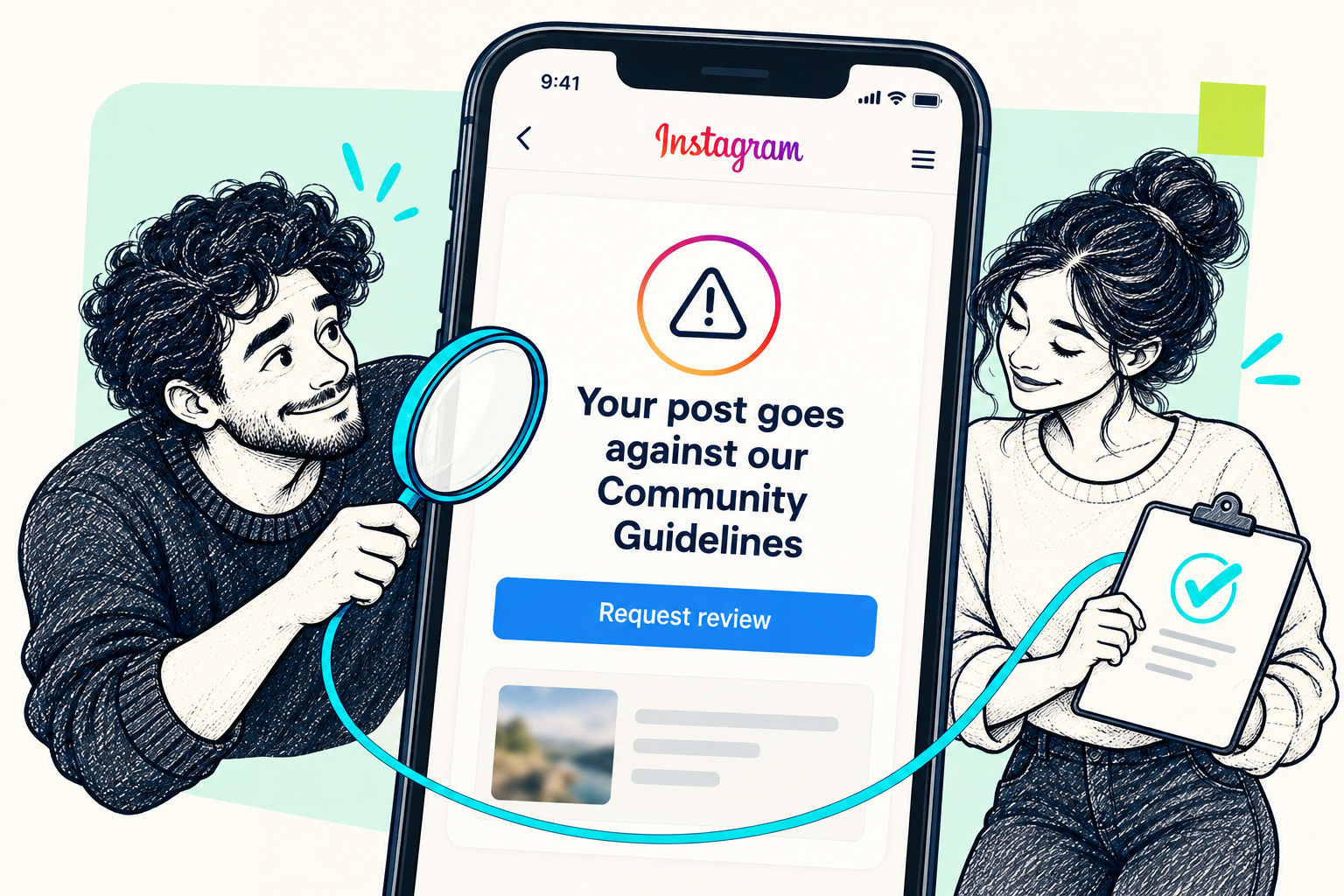
A community-guidelines notice is unsettling, especially when you cannot see what went wrong. Start with the decision Instagram actually recorded. A removed post, a feature restriction and reduced recommendation eligibility are different issues, with different next steps.
START HERE
The short answer
Open Account Status, identify the affected content and read the reason. If Instagram offers a review and you believe the decision is wrong, submit it through that item. Repeatedly uploading the same post is not a review request.
1. Find the decision in Account Status
From your profile, open the menu and find Account Status. Its location and labels can vary by app version. Check both removed content and any features you cannot use.
Save a screenshot of the notice, the affected post and the stated reason before making changes. This gives you a clear record to refer to.
- Open the specific removed item rather than guessing from a drop in views.
- Read the policy explanation and any restriction shown for your account.
2. Request a review when it is offered
If you disagree, use the review option attached to that decision. Instagram also documents review routes through the violation notice and Support Inbox. Follow the available prompts and explain the relevant context accurately.
Keep track of the request in the app. A missing button does not justify paying someone who promises to bypass Instagram's decision. Menu wording may differ, and not every decision presents the same options.
- Select the removed content, then choose Request a review if available.
- Complete the reason and submission steps shown on your screen.
3. Separate removal from recommendation eligibility
Content can remain visible yet be unsuitable for recommendations. Recommendation Guidelines are a separate layer from content-removal rules. A decline in reach alone does not tell you which issue applies. Use the recommendation information shown for your account instead of assuming a “shadowban”.
4. Check security if the activity was not yours
Unrecognized posts or account changes call for a security check as well. Review login activity, recovery contact details and two-factor authentication. For an account-access problem, start at instagram.com/hacked. Do not send passwords or login codes to people offering to remove violations.
Common questions
Will waiting 24 hours restore my Instagram post?
Do not rely on a fixed timer. Follow the specific notice and available review process; an outcome or restoration is not guaranteed.
Does this warning prove my Instagram account was hacked?
No. Check whether the content and account activity were yours. A policy notice alone does not establish unauthorized access.
Can Medalock overrule Instagram's decision?
No. Account-recovery guidance can help you navigate the available steps, but Instagram controls moderation and reinstatement decisions.
A guide is a good start.
A person can help with the next step.
Explore Medalock’s recovery support and the options included with Expert. Platform decisions remain with the platform.
Sources & further reading
This original guide combines official help guidance with the supplied topic reference. Menu names and options can change.
- Instagram Help Center: Check your Account Status ↗Official source
- Instagram Help Center: Request a review of removed content ↗Official source
- Instagram: Ranking Explained ↗Official source
- Meta: Easier account support, appeal options and tracking ↗Official source
- Meta: Keeping Instagram Safe and Secure ↗Official source
- Meta: Designing Account Security Across Our Apps ↗Official source
- Followchain: Original error example, November 2020 ↗Topic reference