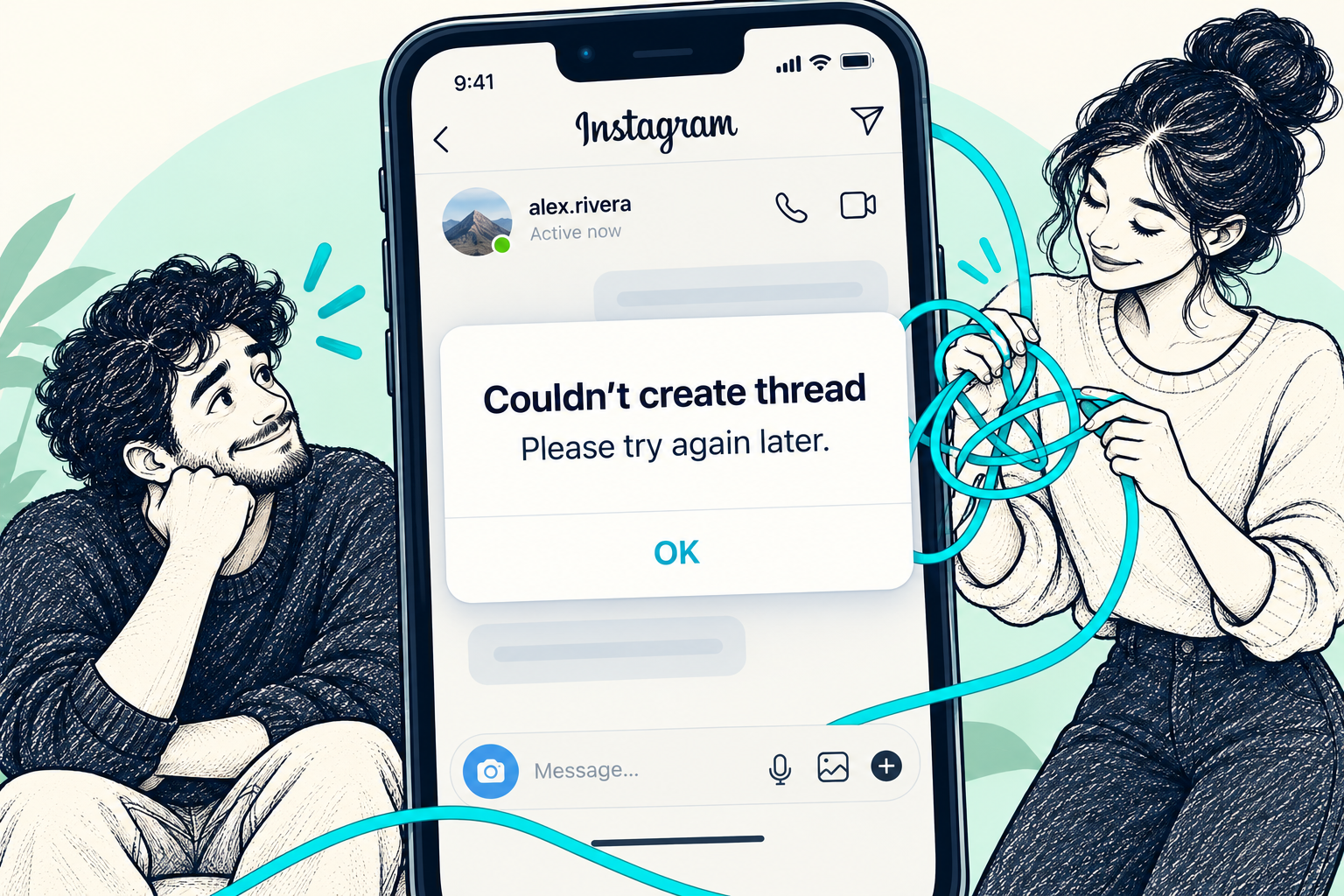
You tap Message, but a conversation never opens. This error describes a failed attempt to start a chat; it does not, by itself, establish why it happened. Work through the checks below before treating it as a hacked account or a permanent ban.
START HERE
The short answer
Pause repeated sending, check for an Instagram restriction, update the app and test your connection. If the issue persists, send Instagram a technical report with a screenshot. There is no universal 24-hour fix.
Is this a messaging limit or a technical problem?
Instagram confirms that it limits messaging to reduce unwanted messages and spam. That does not mean every failed chat is a restriction. Look for a specific warning, and note whether the problem affects one conversation or all new chats.
If it affects one person, their message-request preferences may be relevant: Instagram lets people choose whether to receive requests. Do not assume they blocked you from this error alone.
Start with these low-risk checks
Use a short diagnostic sequence, rather than repeatedly pressing Send.
- Pause bulk or repeated messages. If Instagram shows a restriction notice, follow the notice instead of trying to bypass it.
- Update Instagram through your phone's official app store, then restart your phone.
- Try Wi-Fi and mobile data separately. This helps distinguish a connection problem from an issue that follows your account.
- Look for Account Status in Instagram's settings and review any features you cannot use. Follow the available review option if you believe a restriction is a mistake.
Still unable to start an Instagram DM? Report it clearly
Open your profile menu, find Help, then Report a Problem. Menu labels and locations can vary by app version. Include the error screenshot, your device and app version, when it started, and whether existing chats still work.
Keep the report focused. Remove private message content from screenshots, and never include a password or login code. If a restriction is explicitly listed, use its review route as well; a technical report is not an automatic appeal.
Common questions
Will waiting 24 hours definitely fix Instagram DMs?
No. Avoid promising a fixed timer. Follow any timing in Instagram's notice and report a persistent technical problem.
Is this an error in the Threads app?
In this guide, ‘thread’ refers to an Instagram direct-message conversation, not the separate Threads app.
Should I keep retrying or switch accounts?
Do not repeatedly retry or use another account to get around an explicit messaging restriction. Follow the checks and any instructions Instagram provides.
A guide is a good start.
A person can help with the next step.
Explore Medalock’s recovery support and the options included with Expert. Platform decisions remain with the platform.
Sources & further reading
This original guide combines official help guidance with the supplied topic reference. Menu names and options can change.
- Instagram: Why there are limits for sending messages ↗Official source
- Instagram: Troubleshooting ↗Official source
- Instagram: Check your Account Status ↗Official source
- Instagram: Report a technical problem ↗Official source
- Instagram: Manage message requests ↗Official source
- Topic reference: Followchain, Instagram Couldn't Create Thread ↗Topic reference